Learning Pathways
Computer science and robotics pathways for middle and high school students.
-
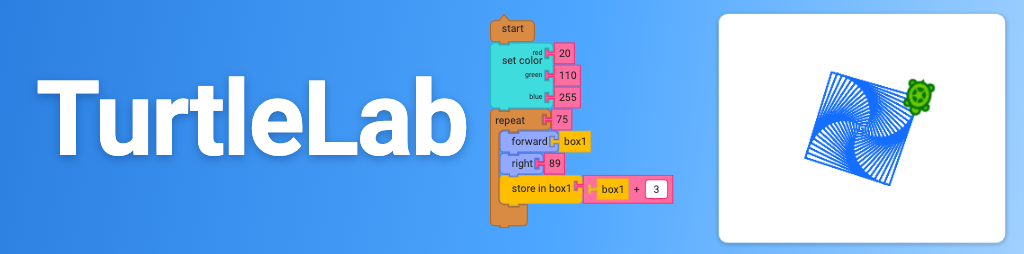
TurtleLab
Snap blocks together and watch a turtle draw: squares, spirals, flowers, anything you can plan. A block-based drawing tool with variables, loops and math. It runs entirely in your browser, with nothing to install and nothing sent anywhere.
-
TurtleLab Lessons
Eighteen steps with TurtleLab, each starting from a demo you change and take further: draw your initials, repeat yourself with loops, let chance draw with random, choose a path with if and else, then a first capstone. Then keep numbers in variables, count with them, teach the turtle new words, put loops inside loops, see color as three numbers, find bugs, and finish with a second capstone. Then ask the person using your program for a number, listen for clicks on the paper, and finish with a third capstone. Then build a click game that uses and, or and not. Then steer a snake with the keyboard, moved by a timer. Last, make a game of your own.
-
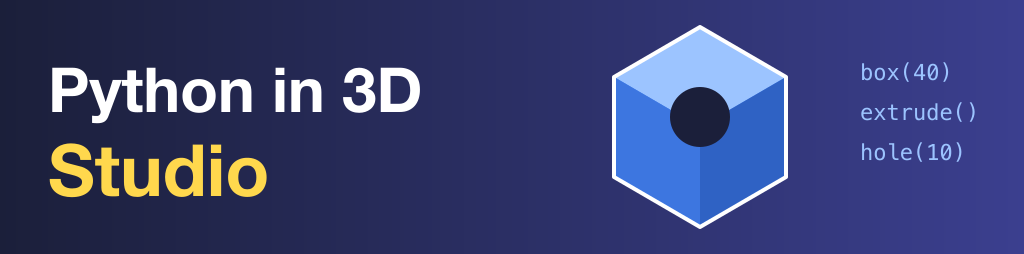
Python in 3D Studio
The tool the lessons use, open on its own: type Python, see the 3D model appear, spin it around, and export it for printing. Start here if you already know what you want to build.
-
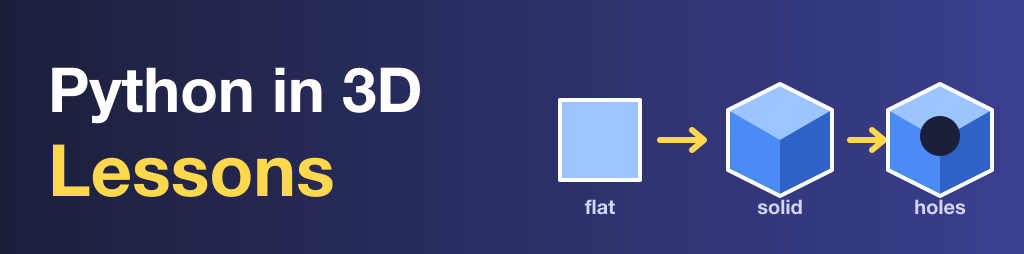
Python in 3D Lessons
A short series of lessons: write Python and watch it become an actual 3D model you can spin around and print. Same idea as the 2D shapes you already know, one more axis: boxes, cylinders, extruded text, booleans, holes.
-
MicroPython on Pi Pico and Projects
Get acquainted with the Raspberry Pi Pico and MicroPython: wiring, flashing firmware, and physical computing fundamentals. Foundational material shared across courses, not specific to any one class.
-
Pi Pico Projects
Physical computing with the Raspberry Pi Pico for students who already know a little programming: LEDs and PWM, switches, a potentiometer, a servo. Each project has slides and a worksheet. A faster, more computer science flavored companion to the MicroPython book above.
-
Electronics 101
Build nine circuits in Tinkercad, from a single AA cell to a micro:bit aiming a servo, then rebuild the last five with real parts. You build first and we talk about it after. Foundational material shared across courses, meant to run alongside the early Pico lessons.
-
Working in Python
An AP CSP-oriented adaptation of Allen Downey's Think Python, 3rd edition (CC BY-NC-SA 4.0). Mirrored here from its own book repo, which also publishes independently at python.porttack.com.
-
CS50 Problems
A mix of problem sets: some adapted from Harvard's CS50 AP and CS50 Python curricula, some written from scratch by teachers and past students of this class. Same standards either way, checked and submitted with check50 and submit50.
-
CS Unplugged
Computer science with no computer: printable worksheets and pair games for brain breaks, computers-down days, or practice on one idea. Many are classic Creative Commons and public-domain unplugged activities, rewritten as ready-to-print sheets students can do on their own.
-
Student Movies
Movies worth watching in class, each with a trailer, a short summary, Common Sense Media and Rotten Tomatoes ratings, and a printable two sided worksheet. Questions to answer while you watch, then questions about character, feelings and how people treat each other.
-
ROV Robotics
The curriculum and working practices behind a MATE ROV team run as an engineering company. Sprints, pool days, design decision records, and a library of lesson cards covering water physics, electricity, control, software, and ocean science.
-
OpenSCAD
The real OpenSCAD, running in your browser: type code, see the 3D model, check which parts of it overhang for printing, and download an STL. Your drawings are saved by name in this browser and nothing you type goes to another website.
-
Logo
A real Logo interpreter that runs in your browser: type forward, repeat and procedures of your own. It is a copy of Joshua Bell's open source JSLogo, kept here so that nothing you type goes to another website. TurtleLab's Logo box can open its programs in it.
-
AP CSP Reference
Quick-lookup material for AP Computer Science Principles, starting with a plain-English guide to the exam's pseudocode language, with a Python translation for every construct. Not sequenced lessons, just things to check while you work.
-
Standards
A visual coverage map across every course and curriculum reviewed here, against AP CSP, California 9-12 CS, CSTA 2026, and CA CTE (ICT) standards — plus reference pages for each framework and a full reverse-map report of which content carries which code.